- Home
- Getting started
US Start here
Your first month, one step at a time.
Begin by filling in the form. Within two business days we contact you and open access to the product. Linking a bank is not the first step, and the Free plan does not include it. Read-only bank sync is only on Premium and during the demo. After you have access, you fine-tune categories and look back at your first month.
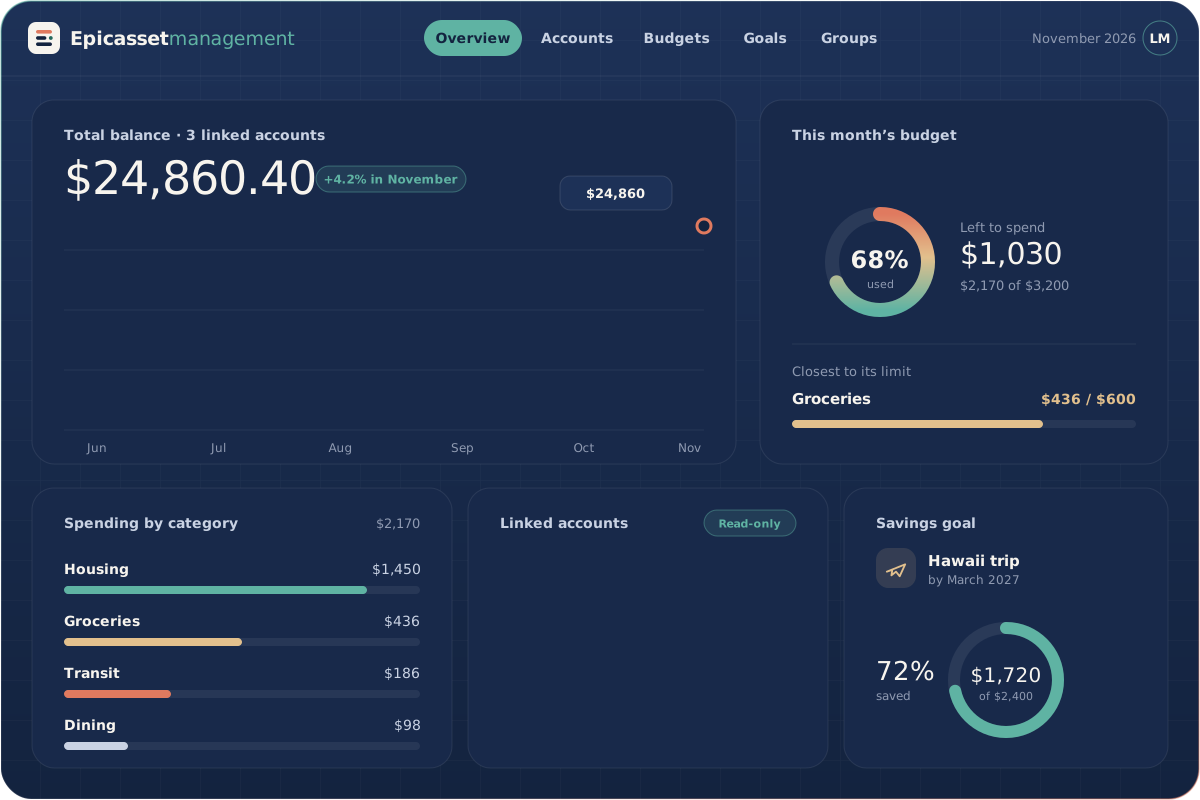
Illustration of the app. Names and amounts are examples.
01 The first four weeks
From your request to your first full month.
What to expect after you request a demo, during your first week, and once your first month is complete.
-
Days 1–3
Send the form, then we open access
On day 1 you send the form with your name and email; no card is needed. Within two business days we contact you and open access to the product. You can use it without linking a bank. Read-only bank sync is only on Premium and during the demo, and the Free plan does not connect a bank.
- Form sent at no cost
- We contact you and open access
- Bank linking is not required
-
Week 1
Fine-tune categories and set a budget
On Premium and during the demo you can link checking accounts. On Free you add transactions yourself. Move any that landed in the wrong category, and set your first monthly budget.
- Accounts side by side only if you link them
- A first monthly budget
- Spending tracked against it
-
Month 1
Look back at your first full month
On every plan you can compare your monthly budget with the expenses you entered, then adjust it and invite a partner or roommate to a shared group if you like. Spending summaries and report export stay on Premium. The 7-day demo has ended by now: on Free you keep your budget and data and add new expenses by hand; on Premium, read-only bank sync continues.
- Budget compared with the expenses you entered
- A budget based on real numbers
- A weekly check-in habit
02 Habits that help
Five small habits worth building.
Simple routines that help you get more out of Epicassetmanagement during your first few weeks.
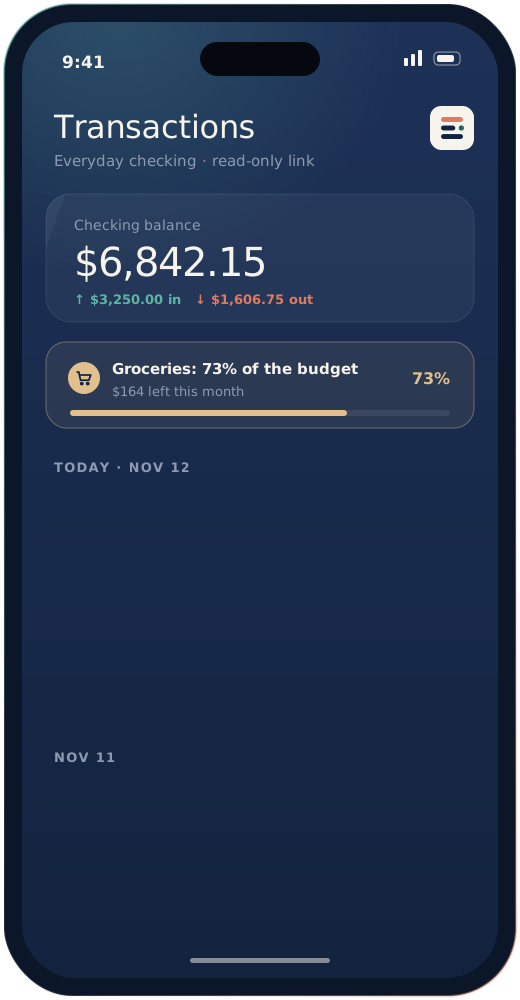
-
01
A short daily look
Each morning, glance at your balance and newest transactions. It usually takes under a minute.
-
02
Budgets you can keep
Base each budget on what you actually spent over the last few months instead of an overly tight target.
-
03
A monthly review
Spend five minutes at month’s end comparing categories and changing anything that no longer fits.
-
04
A mid-month check
Look at your budget progress halfway through the month, while there is still time to adjust.
-
05
Shared costs, shared view
If you split expenses with a partner or roommate, invite them to a group so you both work from the same numbers.
Start with a free demo
Send a demo request and a team member will contact you within two business days to help with setup.