- Home
- Groups
US Groups
Share costs and always know who owes what
Create a group for a trip, a shared apartment, or a night out, and log each cost when it comes up. Epicassetmanagement keeps the running balance for everyone, so no one has to add it up.
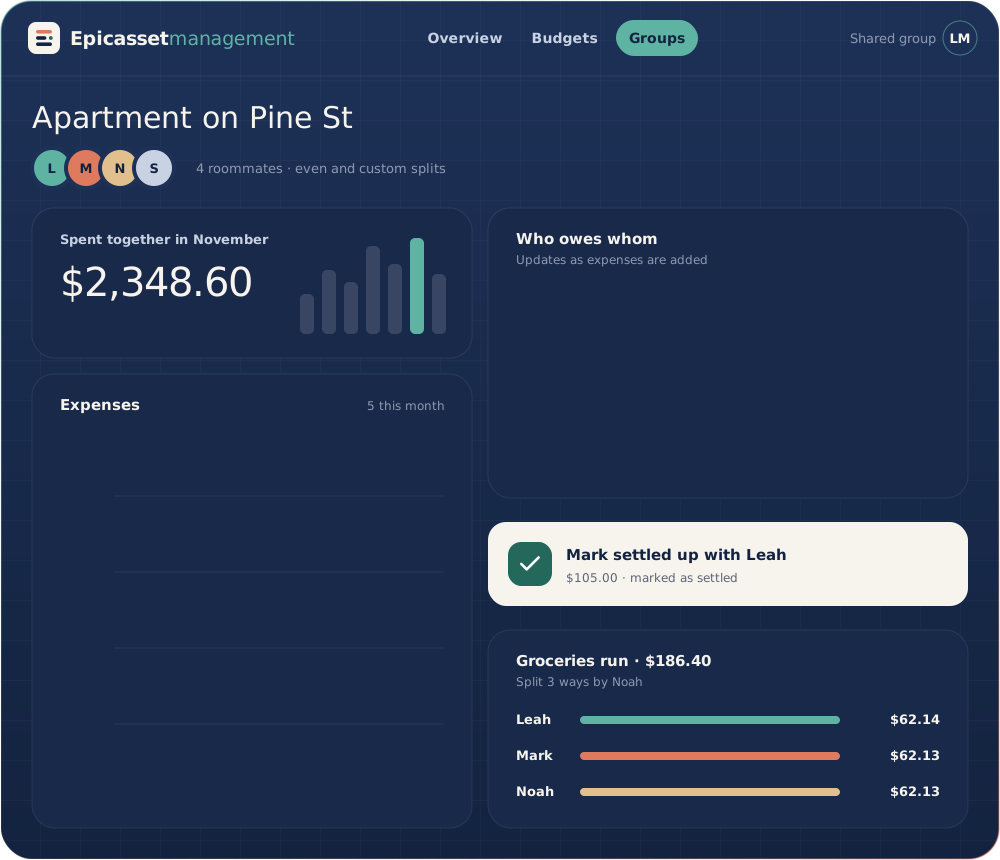
Illustration of the app. Names and amounts are examples.
01 The basics
How groups work
Log a cost, choose how to divide it, and each member’s balance updates.
Unlimited groups
Make a separate group for every trip, household, or event, on any plan, and add people with an email invite.
Quick add
Log an expense in a few seconds and choose who paid and who it is for.
Clear balances
See at a glance who owes money to whom, without doing the math yourself.
Even or custom splits
Split a cost evenly, or set each person’s share, and the group balance updates for everyone.
Notifications
Get an alert when a member adds an expense or settles a balance in the group.
Receipt photo
Snap the receipt and keep it with the expense, so the details are at hand if anyone asks.
02 Switching
Switching from another app
Move existing groups to Epicassetmanagement without typing everything again.
-
Export your current group
Download the expense history from your current app, in the format that app provides.
-
Import it into Epicassetmanagement
Add the file, and Epicassetmanagement recreates the group with its members and earlier expenses.
-
Invite the remaining members
Email an invitation to each member so they can open the group and see current balances.
No. Groups and shared expenses are part of the Free plan, with no limit on the number of groups. Premium ($6.90 a month) is optional and adds features such as read-only bank sync and savings goals.
You choose an even split or custom shares, and Epicassetmanagement recalculates each person’s balance.
Yes. You can add an expense offline, and it syncs with the group when your device is back online.
Epicassetmanagement shows who should pay whom and the amount. Members pay each other outside the app, since Epicassetmanagement never holds or moves money, and then mark the payment as settled.
Yes. You can photograph a receipt and attach it to the expense, so the detail is there if someone asks later.
Groups work for anything from a dinner for two to a household of several roommates. If you are planning for a larger group, ask us during the demo.
See groups in a free demo
Book a 7-day demo at $0 with no card. A team member contacts you within two business days, and afterwards you stay on Free unless you choose Premium.